On this page (9 sections)
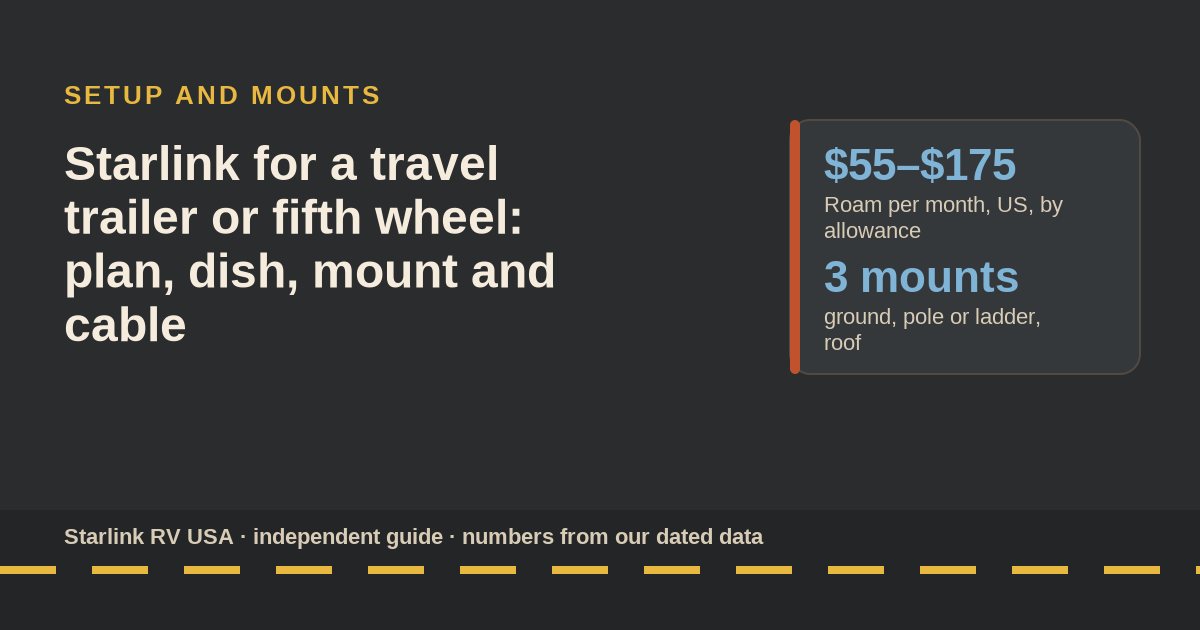
For a travel trailer or fifth wheel, the usual Starlink setup is simple: a Roam plan sized to your busiest month, a dish on its kickstand or a pole at each campsite, and a cable through a window, a slide seal or a sealed entry plate. Because people don’t usually use the internet inside a towable while it’s moving, you rarely need in-motion use or a drilled-in roof mount. That keeps the cost down to the kit, the plan, and maybe a pole.
Below: the plan, the dish, the mount, the cable, and the mistakes that cost towable owners the most.
1. The plan: Roam, sized to your busiest month
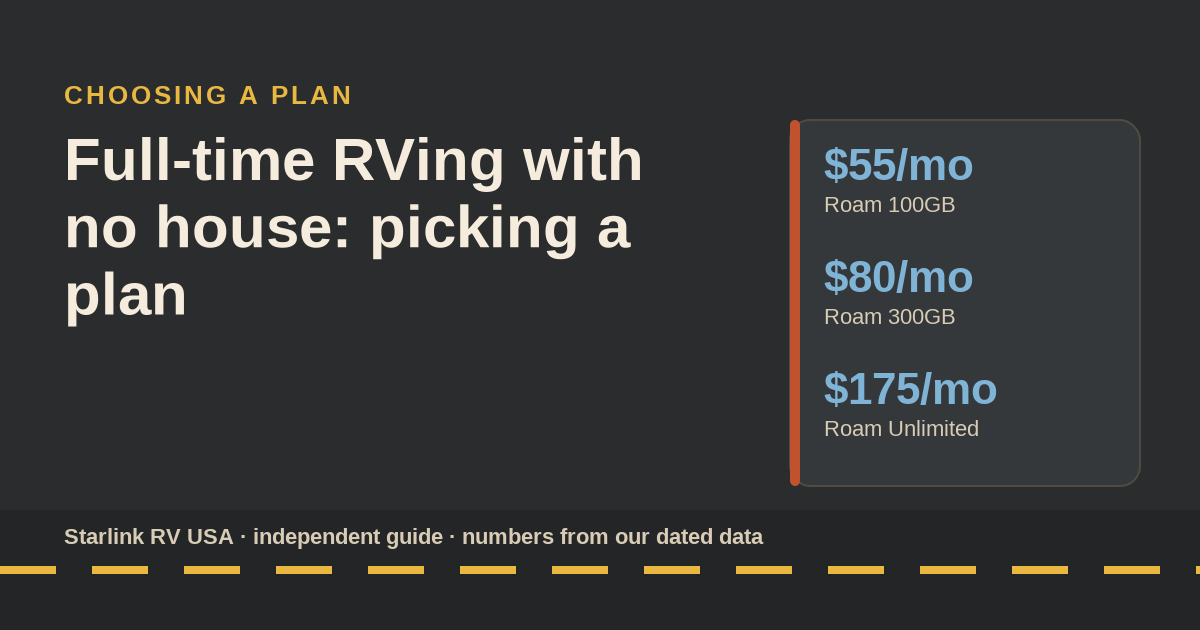
Residential is tied to one address and doesn’t work on the road, so a towable needs Roam. US prices on starlink.com, checked November 16, 2026:
| How you travel | Plan | Per month |
|---|---|---|
| Weekends and short trips, light streaming | Roam 100GB | $55/mo |
| Two to three weeks a month, a show most nights | Roam 300GB | $80/mo |
| Full-time, working from the trailer, or trips abroad | Roam Unlimited | $175/mo |
Starlink calls 100GB “approximately 1 week of typical use.” 300GB is 10 GB a day over a 30-day cycle; our 300GB guide shows what that covers. Full-timers with no house should read picking a plan when the rig is home.
There was no Roam discount on starlink.com on November 16, 2026. A 30%-off offer for new Roam customers appeared around November 5 and was reported pulled by November 11.
2. The dish: Mini or Standard on trailer power
On a towable the choice is mostly about power. Plugged into shore power at a campground, either dish is fine. Boondocking on a battery bank, the numbers matter.
| From Starlink’s spec sheets and order data | Mini | Standard |
|---|---|---|
| Kit price on starlink.com | $149 (or $12.41/mo for 12 months) | $349 |
| Average power | 25–40 W average | 75–100 W average |
| Running on 12 V | Yes: 12–48 V DC input, so it can run from a 12 V RV system without an inverter | Needs an inverter or a DC-DC supply (a separate Standard DC-DC power supply takes 12–48 V DC in, sold in select markets) |
| Dish weight | 1.10 kg (2.43 lb) without the kickstand | 2.9 kg (6.4 lb) without the kickstand |
A rough way to read it: the Standard’s average draw is roughly two to four times the Mini’s, hour for hour. If your trailer has a small battery bank and little solar, that gap decides it. If you mostly stay at hookup sites, it doesn’t.
Both dishes are rated for in-motion use on Roam, but on a towable that rarely matters (see section 5).
3. The mount: start on the ground
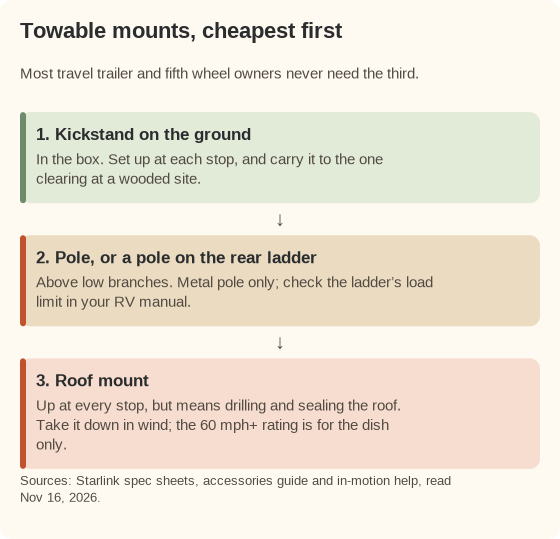
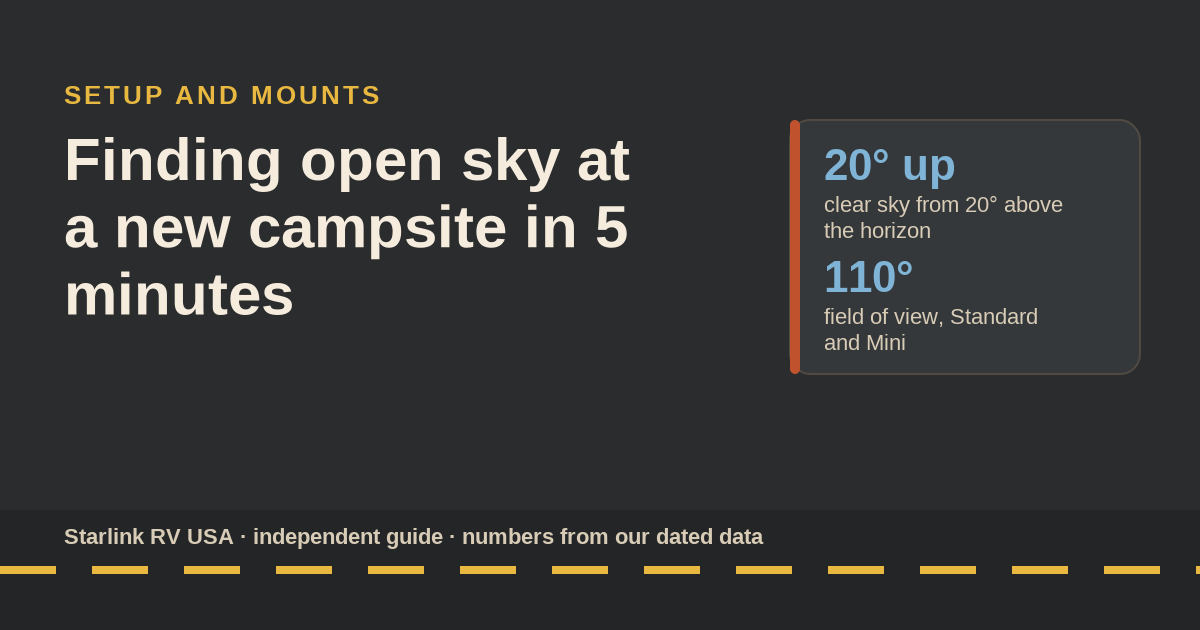
- Kickstand on the ground. It comes in the box. Its strength is that you can carry it to the one patch of open sky at a wooded site. Starlink wants a clear view of the sky at 20° above the horizon, all the way around (a partial view is often enough); our campsite sky check shows how to find it in five minutes.
- Pole, or a pole clamped to the rear ladder. Gets the dish above low branches. Starlink says the Standard Pipe Adapter fits metal poles 1.25 in to 2.5 in across; not plastic or PVC pipe. Many fifth wheels and travel trailers have a rear ladder; check your RV maker’s manual for its load limit before you clamp anything to it.
- Roof mount. Worth it if you want the dish up every night without setup. It means drilling and sealing a roof. Starlink recommends a mounting surface at least 1.5 in thick for the Standard Mobility Mount, or 1 in for the Mini’s, which many trailer roofs can’t offer without a backing plate. Our roof mount guide covers it.
Two rules apply to every mount: third-party metal mounts that wrap around the dish’s base, or setting it directly on metal, can hurt GPS and are not supported, and use removable thread locker (such as Loctite 222) on all mount fasteners so they don’t shake loose. A trailer shakes harder on the highway than a house does in a storm.
Wind. Both dishes are rated operational in wind of 60 mph. That covers the dish, not your pole, tripod or ladder. Our wind guide has the take-it-down checklist.
4. The cable: get it inside without a new hole
From easiest to most permanent: through a window, under a slide-out or storage-bay seal, through an existing cable port, or through a sealed roof or wall entry plate made for the connector. Don’t cut the cable to fit a smaller hole, and leave a drip loop outside. The cable pass-through guide has a diagram of all five.
Inside, put the router near the middle of the trailer if you can. On a long fifth wheel, a router at one end can leave the far bedroom with a weak signal.
5. In-motion: rarely needed on a towable
Every Roam plan allows use while moving, up to 100 mph, with a dish mounted for it. But that serves whoever is in the trailer, and people don’t usually ride in a towable on the road. If what you want is passengers online in the truck while you drive, that’s a separate setup in the tow vehicle: see passengers online while driving and Starlink while driving.
What it costs to start
The kit is a one-time cost; the plan bills each month you keep it on. On starlink.com on November 16, 2026, a Mini plus the first month of Roam 100GB adds up to $204, and a Standard plus the first month of Roam 300GB to $429, before tax and shipping. A pole or mount is extra. The RV cost guide adds up a full year for three travel patterns.
Common mistakes
- Drilling the roof in week one. A kit bought on starlink.com can be returned within 30 days if it doesn’t work out, but not with holes in it. Test on the ground first; our 30-day return guide has a plan.
- Buying a Residential plan for the trailer. It only works at one address.
- A PVC pole. Starlink’s pipe adapter is for metal poles only.
- Leaving the dish up in a storm. The rating is for the dish, not your mount.
- Buying the kit at a store and expecting the referral reward. Store kits don’t qualify.
What we don’t know
- Your ladder’s load limit. It varies by RV maker and model; the manual is the source.
- Wi-Fi reach in your floor plan. It depends on walls, slides and where the router sits.
What to do next
Let the plan picker size an allowance to your trips, compare mount options for your rig, and work through the setup checklist before your first trip.
Questions people ask
What Starlink plan do I need for a travel trailer?
A Roam plan. Starlink says Residential service works only at the registered address; using it anywhere else needs a Roam plan. Roam 100GB at $55/mo fits weekend and short trips; 300GB at $80/mo fits two to three weeks a month with streaming; full-timers who work from the trailer usually need Unlimited at $175/mo.
Mini or Standard for a fifth wheel?
It’s mostly a power question. On shore power, either works. Boondocking on batteries, the Mini’s 25–40 W average draw and 12 V input are easier on a small battery bank than the Standard’s 75–100 W average.
Do I need a roof mount on a travel trailer?
No. A roof mount saves setup time, but the dish only works when it can see the sky, and a ground or pole setup can often reach a clearing the roof can’t. Drill only if you want it up at every stop and your roof can take it.
Can I use Starlink while towing?
A Roam plan allows in-motion use up to 100 mph with a dish mounted for it. But a dish on the trailer serves the trailer. If you want passengers online in the tow vehicle, see our guide to passengers online while driving.
Can I clamp a pole to my RV ladder?
Many people do, but check your RV maker’s manual for the ladder’s load limit first, and use a metal pole: Starlink says the Standard Pipe Adapter fits metal poles 1.25 in to 2.5 in across; not plastic or PVC pipe. Take the dish down in strong wind; the 60 mph rating is for the dish, not your pole or ladder.
Is there a Roam discount right now?
Not on starlink.com as of Nov 16, 2026. A 30%-off Roam offer for new customers appeared around Nov 5 and was reported pulled by Nov 11.
Sources
- What are the Roam service plans? (Starlink help center), retrieved Nov 16, 2026
- Can I use Starlink in-motion? (Starlink help center), retrieved Nov 16, 2026
- Mini specification sheet (Starlink PDF), retrieved Nov 16, 2026
- Standard specification sheet (Starlink PDF), retrieved Nov 16, 2026
- Standard accessories guide (Starlink PDF), retrieved Nov 16, 2026
- Roam plans and kits for US addresses (starlink.com public order data), retrieved Nov 16, 2026
- Standard DC-DC power supply specification sheet (Starlink PDF), retrieved Nov 16, 2026
- How to install Starlink on boats (Starlink help center), retrieved Nov 16, 2026
- Mobility Mount installation guide, Standard (Starlink PDF), retrieved Nov 16, 2026
- Mini Mobility Mount installation guide (Starlink PDF), retrieved Nov 16, 2026
- What are the alerts on my Starlink App? (Starlink help center), retrieved Nov 16, 2026
- How do I return my Starlink kit? (Starlink help center), retrieved Nov 16, 2026
- What are the Residential plans? (Starlink help center), retrieved Nov 16, 2026
Prices and plan rules on this page are filled in from our dated data files when the site is built; hover a number to see when we checked it.
Research and spec-based analysis. We haven’t used Starlink in an RV, van or boat; this post is built from Starlink’s own documents, carrier pages and dated reports, cited above. Links to Starlink’s plan pages here use the site owner’s own referral link: the owner may get a referral reward if you order, and your price is the same. There are no affiliate links. Starlink and Roam are trademarks of Space Exploration Technologies Corp. Starlink RV USA is not affiliated with, endorsed by, or sponsored by SpaceX or Starlink. Spotted an error? Tell us.