On this page (8 sections)
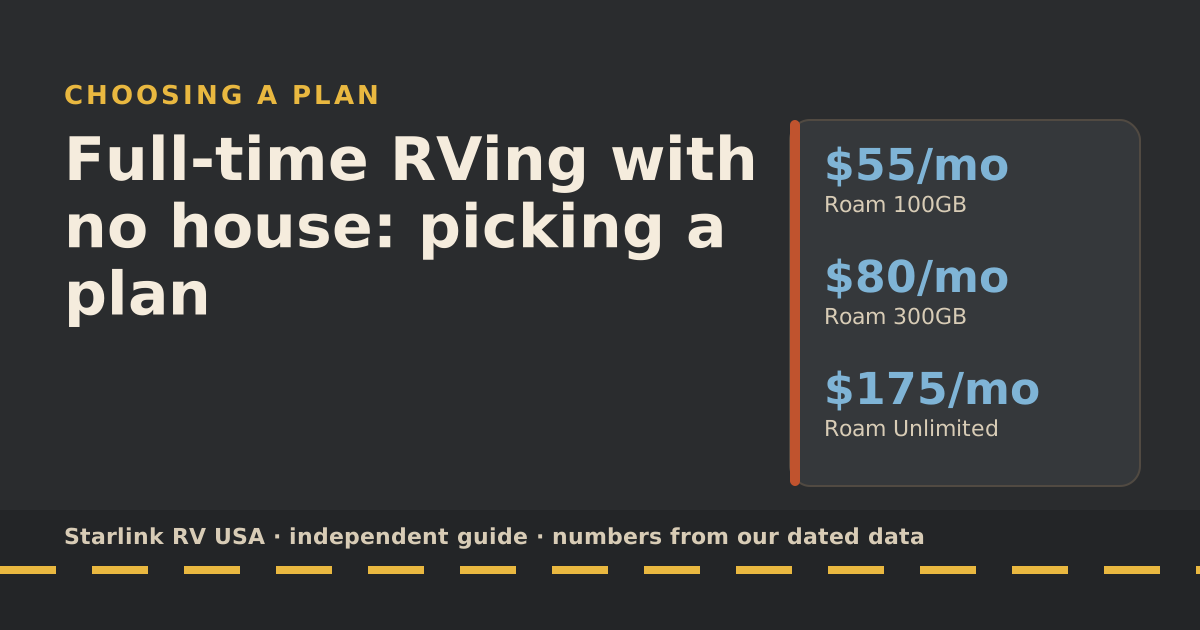
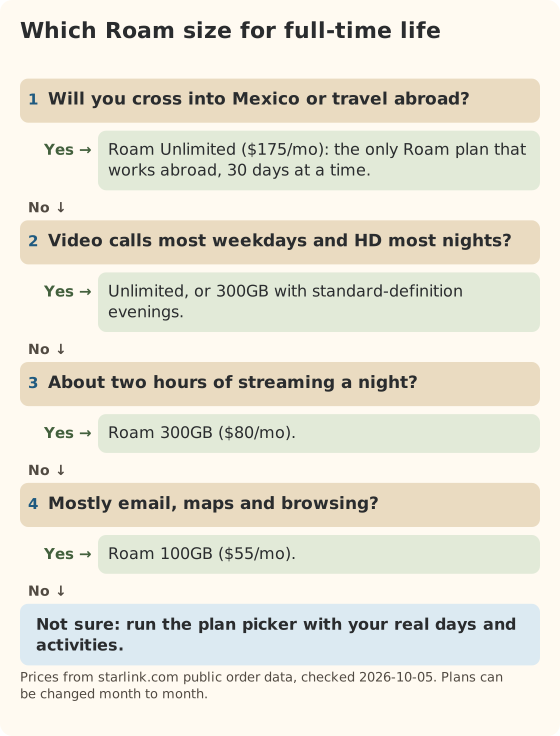
If you live full-time in an RV and have no house, pick a Roam plan, not Residential. Starlink says Residential service works only at the registered address; using it anywhere else needs a Roam plan, and a rig with no fixed spot doesn’t have one. Then size the plan by a full 30 days on the road: light use fits Roam 100GB ($55/mo), about two hours of HD a night fits Roam 300GB ($80/mo), and daily work calls plus nightly streaming usually need Unlimited ($175/mo) or lower video quality.
What “no fixed home” means for plans
Starlink sells two kinds of plans that matter here. Residential is for one place. Roam is for a dish that moves. As we last read Starlink’s pages:
| Residential | Roam (100GB, 300GB, Unlimited) | |
|---|---|---|
| Where it works | Residential service works only at the registered address; using it anywhere else needs a Roam plan | anywhere in your home country, including inland waterways, marinas and coastal waters |
| Moving the dish | Means changing the service address: changing a Residential service address turns service off at the old one, and moving back may not be possible | Built in |
| Use while driving | in-motion use is not permitted on any Residential plan | every Roam plan (100GB, 300GB, Unlimited) allows in-motion use, including inland waterways and territorial waters up to 12 nautical miles out |
| Data | unlimited data at one fixed, land-based address | 100GB, 300GB, or unlimited high-speed data on land |
For a full-timer, the address rule settles it. Every time you move to a new campground, a Residential plan would need a new service address, and Starlink warns that moving back may not be possible. Roam doesn’t have that problem.
There is one edge case. If you park at one site for a long season, a fixed-address plan might look tempting. Our Roam vs Residential comparison walks through that choice. For most people who move even a few times a year, Roam is simpler.
Data needs for a month with no other internet
A part-time camper can split usage between home and the road. A full-timer can’t: every GB of the month comes through the rig, unless you add cellular or campground Wi-Fi. So size the plan for 30 days.
These rows use the services’ own rates from our data-use reference, plus 1 GB a day for email, maps and updates (our planning assumption).
| Pattern | GB per day | GB per 30 days | Smallest plan that fits |
|---|---|---|---|
| Email, maps and browsing | 1 | 30 | 100GB |
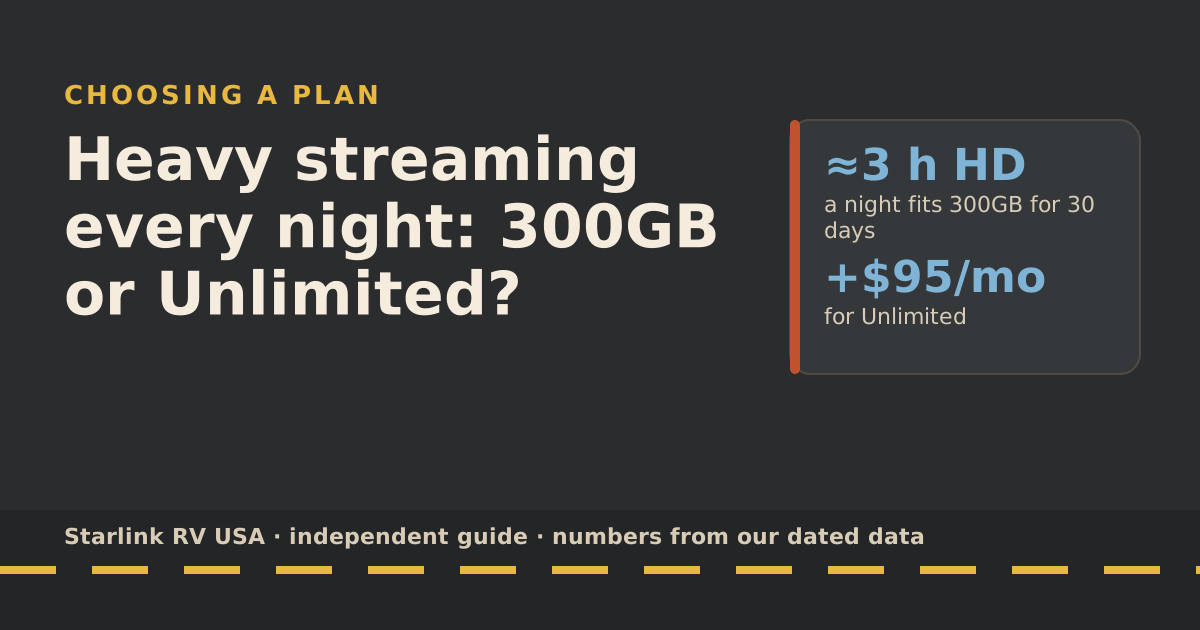
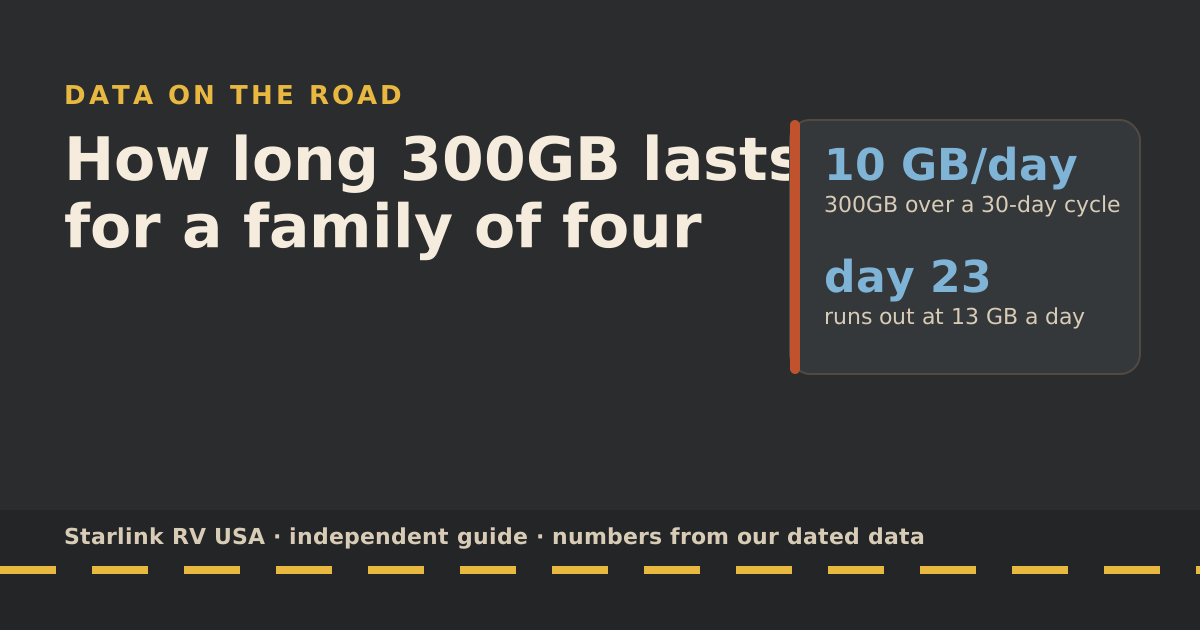
| 2 hours of HD a night | 7 | 210 | 300GB |
| 3 hours of group video calls a day | 6.9 | 208 | 300GB |
| Calls by day and 2 hours of HD at night | 12.9 | 388 | Unlimited |
| A household streaming 6 hours of HD a day | 19 | 570 | Unlimited |
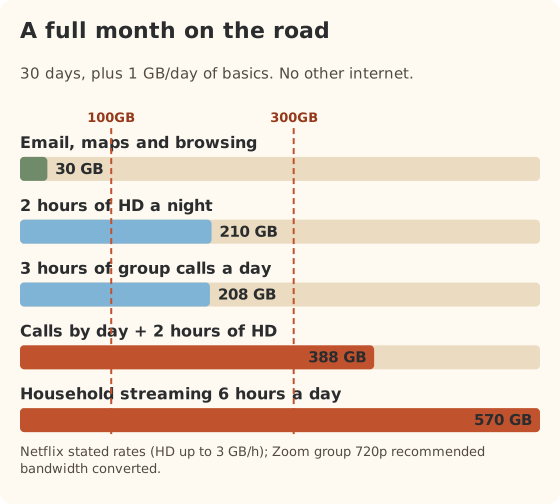
Streaming rates are “up to” figures, so real use is often lower. That cuts both ways: a TV left on Auto quality, a phone backing up photos, or a big game update can push a month up fast.
A worked example: a couple, one remote job
Say one of you works on group video calls about three hours a day, 22 workdays a month. In the evening you both watch about two hours of HD.
- Workday calls: 22 × 5.9 GB = 131 GB
- Evenings and basics: 30 × 7 GB = 210 GB
- Month total: about 341 GB
That’s over Roam 300GB. Now switch the evening shows to standard definition: the evenings drop to 30 × 3 GB = 90 GB, and the month comes to about 221 GB. That fits in 300GB with room for updates. One setting is worth $95 a month here. Our guide to lowering streaming quality shows where that setting lives on each app.
Unlimited or 300GB: the yearly view
Because you’re on the road every month, the yearly cost is simply twelve bills. Kit cost is extra; a Standard kit bought on starlink.com with a Roam plan is $349.
| Plan all year | Per month | Per year |
|---|---|---|
| Roam 100GB | $55/mo | $660 |
| Roam 300GB | $80/mo | $960 |
| Roam Unlimited | $175/mo | $2,100 |
| 300GB for 8 months, Unlimited for 4 busy months | mixed | $1,340 |
Starlink says Roam plans can be changed any time, subject to availability. Upgrades can apply right away, and switching plans mid-cycle gives you that plan’s full usage limit. Downgrades can wait for your billing date. So a mixed year is real: Unlimited in the months you work hardest or have family visiting, 300GB the rest.
Rules to watch as a full-timer
These matter more when the rig is your only home, because there’s no house connection to fall back on.
- Where each plan works. Roam 100GB and 300GB work only in your home country or grouped region: for US accounts, the US, Canada, Puerto Rico, US Virgin Islands, Guam, American Samoa and the Northern Mariana Islands. Roam Unlimited works abroad for up to 30 days days at a time, and going home resets the count. Travel Registration with a passport or other government photo ID is required before use outside your home country. Full details are in our international travel guide.
- Running out. after the 100GB or 300GB runs out, service drops to unlimited low-speed data that handles email, calls and texts; streaming, big downloads and video calls are limited. There’s no surprise bill, but there’s no streaming either until the cycle resets or you upgrade.
- Busy times. Starlink says Roam plans are deprioritized compared with other plans when the network is busy, whichever allowance you have.
- Driving. every Roam plan (100GB, 300GB, Unlimited) allows in-motion use, including inland waterways and territorial waters up to 12 nautical miles out, up to 100 mph. You still need a supported dish on a fixed mount.
- Plan changes run on UTC. plan changes must be made before midnight UTC on your billing day (that’s 5 or 8 p.m. the evening before in US time zones). Miss it and the change lands a month later.
Every one of these rules has changed at least once since 2025. The rules changelog lists each change with its date and source.
Edge cases
- Wintering at one park. If you stay put for months, campground Wi-Fi or a cellular plan may carry part of the load, which can let you drop to a smaller Roam plan for those months. Check the plan price for each month you change.
- Frequent Canada trips. Canada counts as part of the US home region for Roam 100GB and 300GB, so you don’t need Unlimited for it.
- Mexico or farther. Only Unlimited works there, and only for 30 days days at a time. Starlink also says in-motion use on land is prohibited in Mexico (boats only there).
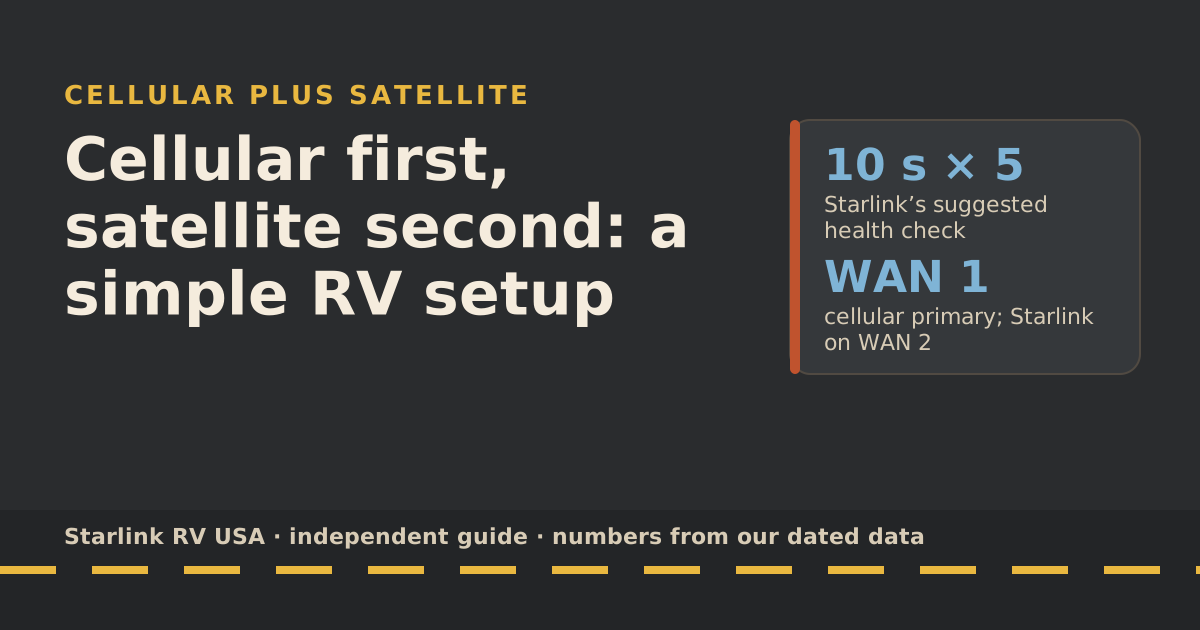
- Two remote workers. Double the call rows above. Two people on daily calls plus evening TV is firmly Unlimited territory, or 300GB plus a cellular plan. Our cellular-first setup shows how that pairing works.
Common mistakes
- Sizing for an average day instead of the busiest month. Summer evenings, holidays and rainy weeks push use up.
- Assuming a house plan can travel. Residential doesn’t follow the rig, and changing the address can lose you the old one.
- Paying for Unlimited all year when only a few months are heavy.
- Forgetting background data. Phone backups and console updates can eat a day’s budget in an hour.
- No backup link. With no house, an outage means no internet at all. A cellular plan is cheap insurance.
What we don’t know
- Address details. We couldn’t find a Starlink page that says what address a full-timer with only a mail-forwarding service should use for Roam. Ask Starlink support in writing if it matters to you.
- Your real data use. Our rates are the services’ “up to” figures. Our own measured test is planned.
- Future rule changes. Roam rules changed several times in 2026. We re-check them on a schedule and log every change.
What to do next
Put your real days, activities and travel plans into the travel plan picker; it compares the yearly cost of each Roam size and the mixes. If you’re weighing a long stay at one spot, read Roam vs Residential. And if your nights are heavy on TV, 300GB or Unlimited works through that one decision in detail.
Questions people ask
Can I get Starlink Residential if I live full-time in an RV?
Only if the dish stays at one registered address. Starlink says Residential service works only at the registered address; using it anywhere else needs a Roam plan. It also says changing a Residential service address turns service off at the old one, and moving back may not be possible. For a rig that moves, Roam is the plan type that fits.
Which Roam plan do most full-timers need?
It depends on data, not on being full-time. Email and maps fit Roam 100GB. About two hours of HD a night fits 300GB. Work calls every weekday plus nightly HD usually go over 300GB, so Unlimited or lower video quality.
Does Roam need a home address?
Starlink asks for an address when you order, and Roam’s rules are tied to your home country. We couldn’t find a Starlink page that says whether a mail-forwarding address is fine for Roam. If that matters to you, ask Starlink support in writing before you order.
Can I use Roam in Mexico as a full-timer?
Only on Roam Unlimited, and only for up to 30 days days at a time, after Travel Registration. Roam 100GB and 300GB cover the US, Canada and US territories only. Starlink also says in-motion use on land is prohibited in Mexico (boats only there).
What happens if I run out of data on 300GB?
You aren’t billed extra. Starlink says after the 100GB or 300GB runs out, service drops to unlimited low-speed data that handles email, calls and texts; streaming, big downloads and video calls are limited. You can also upgrade mid-cycle and get the bigger plan’s full allowance right away.
Is Roam Unlimited worth it for full-time RVing?
If someone works on video calls every weekday and you also stream at night, often yes. If not, 300GB plus lower video quality or a cellular plan usually costs less. The plan picker compares the yearly cost for your pattern.
Sources
- What are the Roam service plans? (Starlink help center), retrieved Oct 6, 2026
- What are the Residential plans? (Starlink help center), retrieved Oct 6, 2026
- How do I change my service address? (Starlink help center), retrieved Oct 6, 2026
- Traveling with Starlink Roam (Starlink help center), retrieved Oct 6, 2026
- Service Plan Changes (Starlink help center), retrieved Oct 6, 2026
- Roam plans and kits for US addresses (starlink.com public order data), retrieved Oct 5, 2026
- Can I use Starlink in-motion? (Starlink help center), retrieved Oct 5, 2026
- How to control how much data Netflix uses (Netflix Help Center), retrieved Oct 5, 2026
- Zoom system requirements: bandwidth (Zoom Support), retrieved Oct 5, 2026
- What is Travel Registration? (Starlink help center), retrieved Oct 5, 2026
Prices and plan rules on this page are filled in from our dated data files when the site is built; hover a number to see when we checked it.
Research and spec-based analysis. We haven’t used Starlink in an RV, van or boat; this post is built from Starlink’s own documents, carrier pages and dated reports, cited above. Links to Starlink’s plan pages here use the site owner’s own referral link: the owner may get a referral reward if you order, and your price is the same. There are no affiliate links. Starlink and Roam are trademarks of Space Exploration Technologies Corp. Starlink RV USA is not affiliated with, endorsed by, or sponsored by SpaceX or Starlink. Spotted an error? Tell us.