On this page (9 sections)
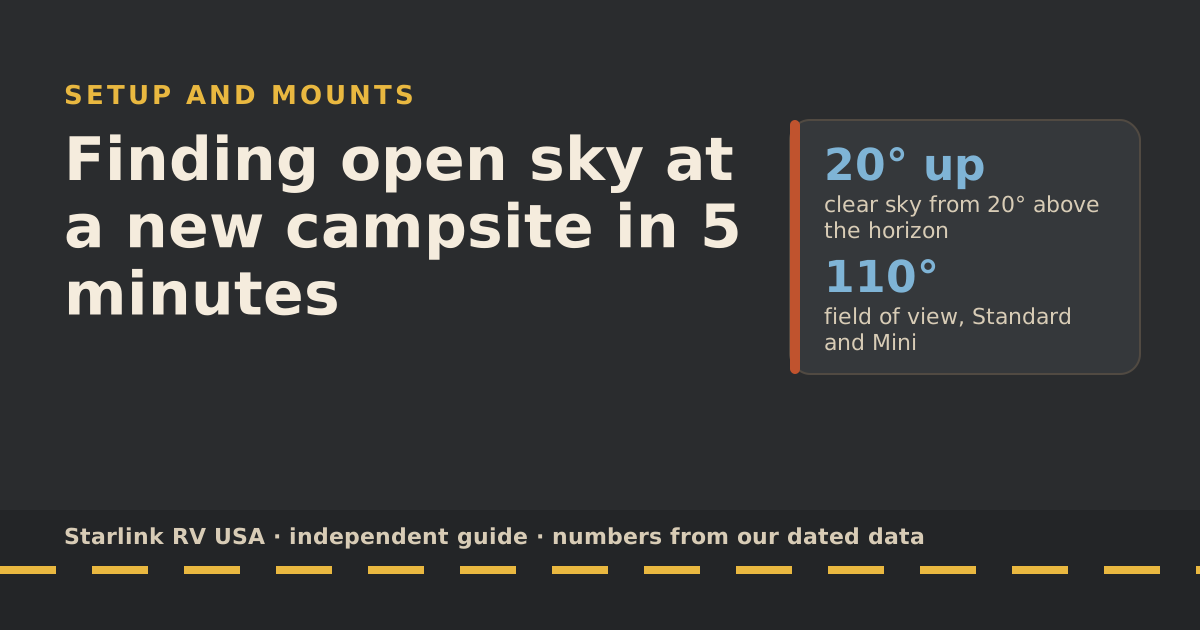
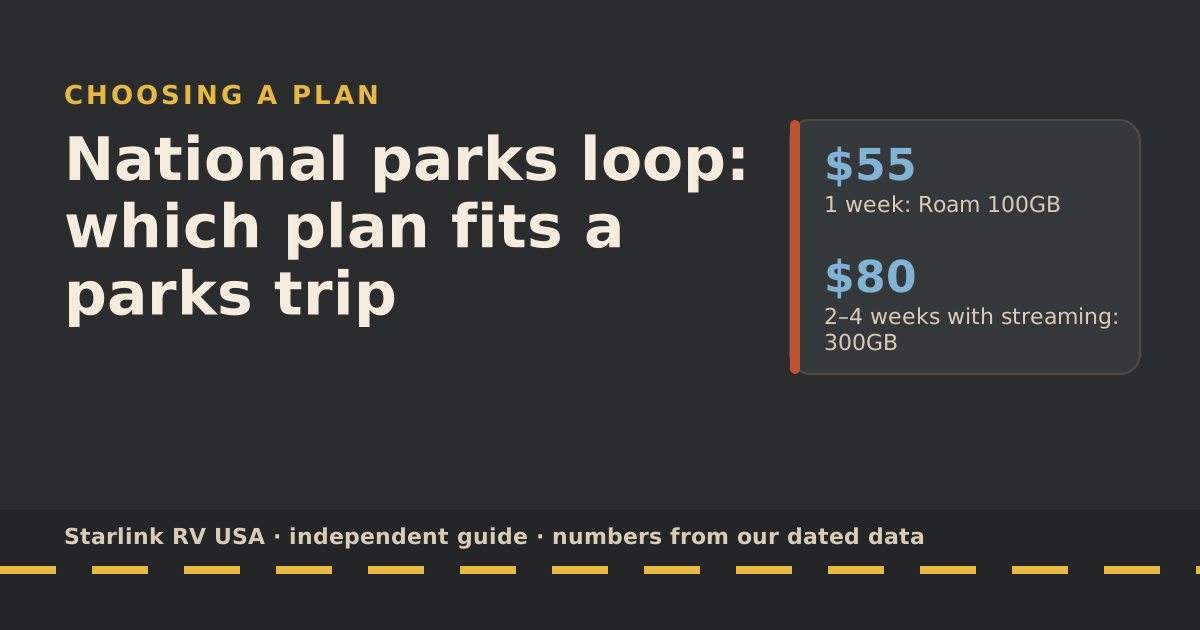
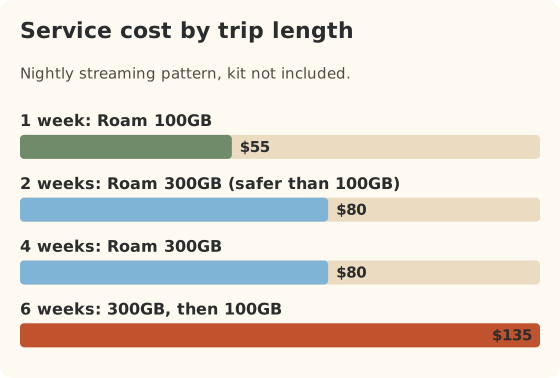
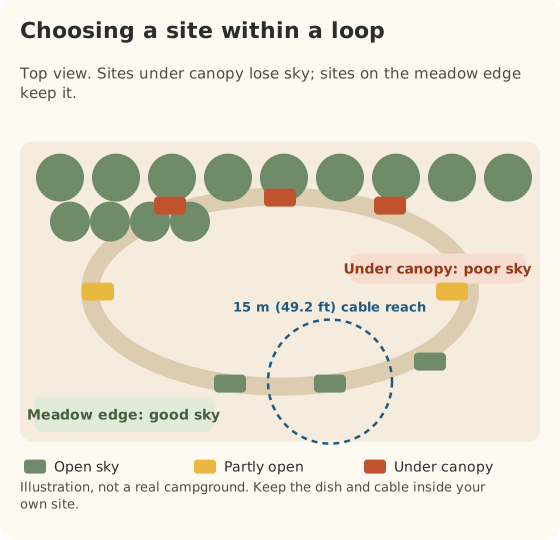
For a national parks loop, plan on satellite being your main connection inside the parks and cellular in the gateway towns, and pick the allowance by trip length: a one-week loop fits Roam 100GB ($55/mo), and two to four weeks with nightly streaming fits Roam 300GB ($80/mo). The big catch isn’t the plan, it’s trees: many park campgrounds sit under forest canopy, and Starlink needs an unobstructed 360° view of the sky from 20° above the horizon up. Book open sites if internet matters.
Here’s how to plan the connection for a parks trip, from booking to the last night.
Why parks are different
- Cell gaps. Many park campgrounds are far from towers or shielded by terrain. Your phone may show nothing for days. That’s where satellite is worth carrying.
- Trees and walls. Forest parks and canyon parks block the sky. Open desert and plains parks rarely do.
- Crowds. Summer weekends pack campgrounds, and Starlink says Roam plans are deprioritized compared with other plans at busy times, with peak hours around 6 to 11 p.m. local time.
- Long days away from the rig. You’re hiking, not streaming. Many parks trips use less data than you’d think.
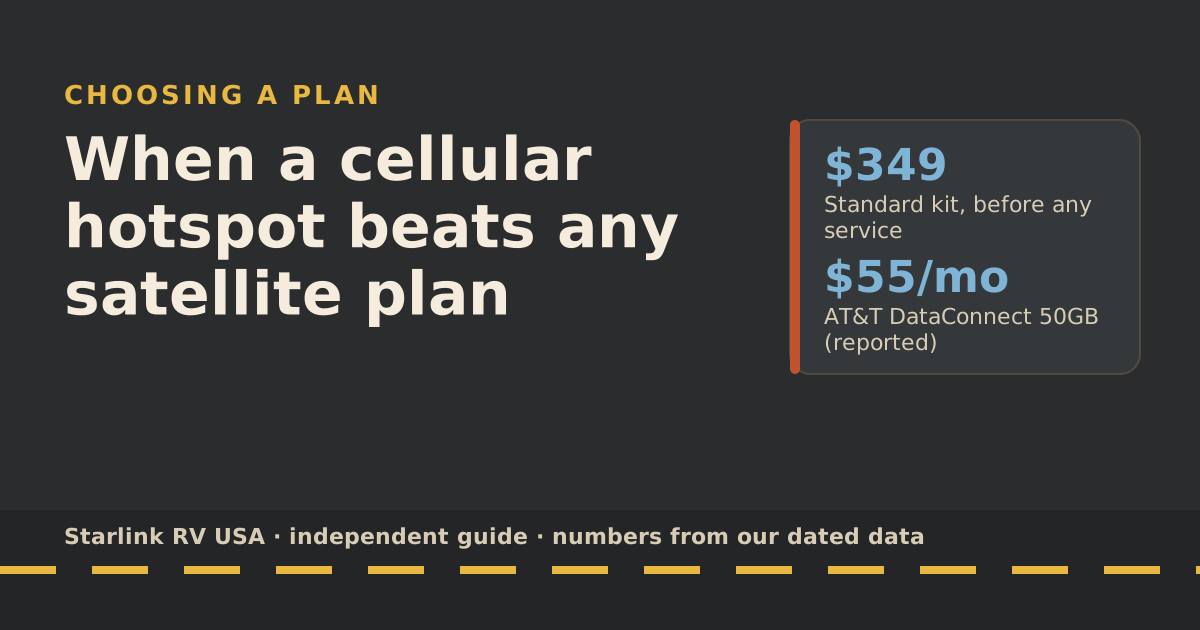
Be honest about the last point. If the trip is about unplugging and a gateway-town coffee shop covers your emails, you may not need satellite at all. When a hotspot beats any satellite plan helps you decide.
Plan choice by trip length
We use day totals from our data-use reference: about 1 GB a day for email, maps and weather (our planning assumption), or about 7 GB a day if you also stream two hours of HD at night. Starlink bills by the cycle, so trips over about 30 days span two cycles.
| Trip length | Light use (1 GB/day) | Nightly streaming (~7 GB/day) | Service cost for the trip |
|---|---|---|---|
| 1 week | 7 GB: Roam 100GB | 49 GB: Roam 100GB | $55 |
| 2 weeks | 14 GB: Roam 100GB | 98 GB: edge of 100GB; 300GB is safer | $55 to $80 |
| 4 weeks | 28 GB: Roam 100GB | 196 GB: Roam 300GB | $55 to $80 |
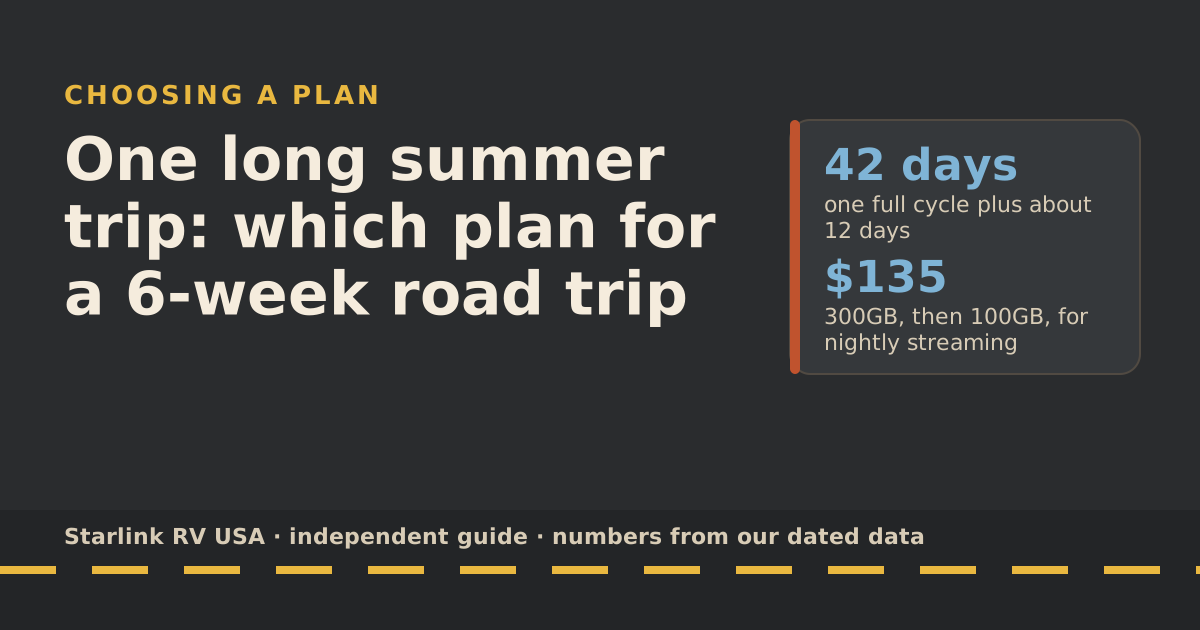
| 6 weeks | 42 GB over two cycles | About 210 GB, then 84 GB: 300GB, then 100GB | $110 to $135 |
Not on the road yet? Add the $349 Standard kit if you don’t own one. For trips that span two cycles, the trick of starting big and stepping down is in the 6-week road trip guide.
Tree cover and dish spots
When you book
- Look at the loop map and aerial photos. Many reservation sites show campground maps; aerial views show which loops sit under canopy and which are open.
- Read recent reviews for “Starlink” or “satellite”. Fellow campers often mention which sites work.
- Prefer open loops, meadows and lakeshores over deep forest loops when you need to work.
- Pull-through vs back-in matters less than the sky. A site at the edge of a clearing often beats one in the middle of the trees.
When you arrive
Run the 5-minute sky check: look up, scan two or three spots with the app’s Check for Obstructions tool at dish height, and place the dish at the clearest spot within cable reach. Starlink’s obstruction map then fills in from real satellite connections; Starlink says it can take up to 12 hours.
When the site is hopeless
Some forest sites won’t work. Options, in order:
- Accept drops tonight. Email still syncs between drops; calls won’t hold.
- Use cellular in town for anything important.
- Download in the morning. Shows, maps and podcasts for the evening.
- Rebook. If you’re staying several nights, ask about a more open site.
Our guide to campgrounds with trees has more on poles and site choice.
Park rules on equipment
We haven’t found a park-wide rule that bans satellite dishes at campgrounds. But a few rules matter:
- Don’t attach anything to trees. Federal rules for park areas prohibit “possessing, destroying, injuring, defacing, removing, digging, or disturbing from its natural state” plants (36 CFR 2.1). Straps, screws and nails on trees are a bad idea everywhere and can break that rule.
- Keep gear on your site. Don’t run cables across roads, paths or a neighbor’s site.
- Follow the posted campground rules. Each campground posts its own; some limit what can be set up and where.
- Mind quiet hours and lights. That’s about your neighbors, not your dish, but rangers notice.
Rules that travel with you
- In motion: passengers can stay online on every Roam plan, up to 100 mph, on a supported dish with a fixed mount. Scenic drives through forest will drop in and out.
- Canada: Roam 100GB and 300GB work only in your home country or grouped region: for US accounts, the US, Canada, Puerto Rico, US Virgin Islands, Guam, American Samoa and the Northern Mariana Islands. Travel Registration is required before use outside your home country.
- Data cap: after the 100GB or 300GB runs out, service drops to unlimited low-speed data that handles email, calls and texts; streaming, big downloads and video calls are limited.
Sample loop: three weeks, four parks
Here’s how the plan works for a made-up but typical loop: three weeks, four parks, two of them forested and two open, with gateway towns between. A couple who check email and weather every day and stream about two hours of HD on most nights.
| Leg | Days | Setting | Connection | Approx. GB |
|---|---|---|---|---|
| Open desert park | 5 | Wide-open campground | Starlink | 35 |
| Gateway town | 2 | RV park with cell | Phone hotspot | 0 on Roam |
| Forest park | 6 | Tree-covered loop | Starlink with drops; offline evenings | 24 |
| Canyon park | 5 | Partly open | Starlink | 35 |
| Gateway town and home | 3 | Cell coverage | Phone hotspot | 0 on Roam |
Total Roam use comes to about 94 GB, assuming they stream only every other night in the forest park. That’s just under Roam 100GB, too close for comfort with a rainy day or two, and comfortably inside 300GB. If they’d skipped the hotspot nights and streamed every night everywhere, it would be about 147 GB: still 300GB, with less room.
The lesson is less about the numbers than the mix: gateway towns and cellular quietly take a chunk off the satellite bill, and forest parks take a chunk off your evenings whatever plan you buy.
Common mistakes
- Booking the prettiest forest site and expecting video calls. Pick one or the other.
- Strapping the dish to a tree. Don’t.
- Streaming at 9 p.m. on a Saturday in July and blaming the dish. That’s peak time.
- Leaving the plan on after the trip. Change or cancel before your next billing date; see the billing-cycle guide.
What we don’t know
- Which individual sites work. Trees grow and get cut. Recent reviews are your best guide.
- Every park’s local rules. Superintendents can set their own; check the campground page before you go.
What to do next
Put the trip length and your evening habits into the travel plan picker. If your loop runs six weeks or more, read one long summer trip for the two-cycle plan. And the night before each new park, skim the 5-minute sky check.
Questions people ask
Does Starlink work in national parks?
Where the dish can see the sky, yes. Roam plans cover the whole US, and Starlink’s rules don’t exclude parks. The practical limit is trees and canyon walls. Open desert and prairie parks are usually easy; deep forest campgrounds are hard.
Is it allowed to use Starlink at a national park campground?
We haven’t found a park-wide ban. Follow each campground’s posted rules, keep equipment on your site, don’t run cables across roads or paths, and don’t attach anything to trees. Federal rules prohibit injuring or disturbing plants in park areas (36 CFR 2.1).
Which Roam plan for a two-week parks trip?
If you only check email and weather: Roam 100GB. If you stream a couple of hours most nights: about 98 GB in our planning numbers, right at the edge of 100GB, so Roam 300GB is safer.
What if my campsite is under trees?
Scan two or three spots within reach of your cable with the app’s Check for Obstructions tool. If none is clear, accept drops for the night, use cellular in town, or move to a more open site on your next booking. See campgrounds with trees.
Should I bring a pole mount to the parks?
A pole can lift the dish above low trees, but not above a tall canopy. Free-standing poles on your own site are a different thing from attaching to trees, which you shouldn’t do. Check the campground’s rules first.
Sources
- 36 CFR 2.1, Preservation of natural, cultural and archeological resources (Cornell LII), retrieved Oct 6, 2026
- Slow Speeds: Outside/During Peak Hours (Starlink help center), retrieved Oct 6, 2026
- How should I interpret the obstruction map? (Starlink help center), retrieved Oct 6, 2026
- How to fix obstructions (Starlink help center), retrieved Oct 6, 2026
- Roam plans and kits for US addresses (starlink.com public order data), retrieved Oct 5, 2026
- How to install Starlink on boats (Starlink help center), retrieved Oct 5, 2026
- How to control how much data Netflix uses (Netflix Help Center), retrieved Oct 5, 2026
- Can I use Starlink in-motion? (Starlink help center), retrieved Oct 5, 2026
- Traveling with Starlink Roam (Starlink help center), retrieved Oct 5, 2026
- What are the Roam service plans? (Starlink help center), retrieved Oct 5, 2026
Prices and plan rules on this page are filled in from our dated data files when the site is built; hover a number to see when we checked it.
Research and spec-based analysis. We haven’t used Starlink in an RV, van or boat; this post is built from Starlink’s own documents, carrier pages and dated reports, cited above. Links to Starlink’s plan pages here use the site owner’s own referral link: the owner may get a referral reward if you order, and your price is the same. There are no affiliate links. Starlink and Roam are trademarks of Space Exploration Technologies Corp. Starlink RV USA is not affiliated with, endorsed by, or sponsored by SpaceX or Starlink. Spotted an error? Tell us.