On this page (10 sections)
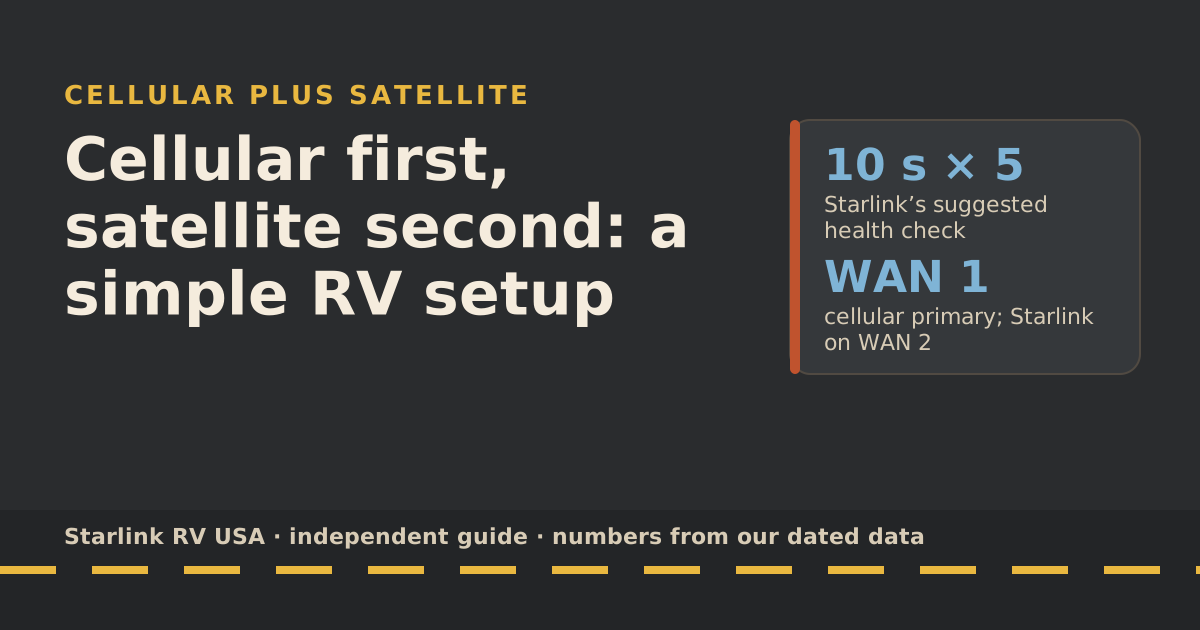
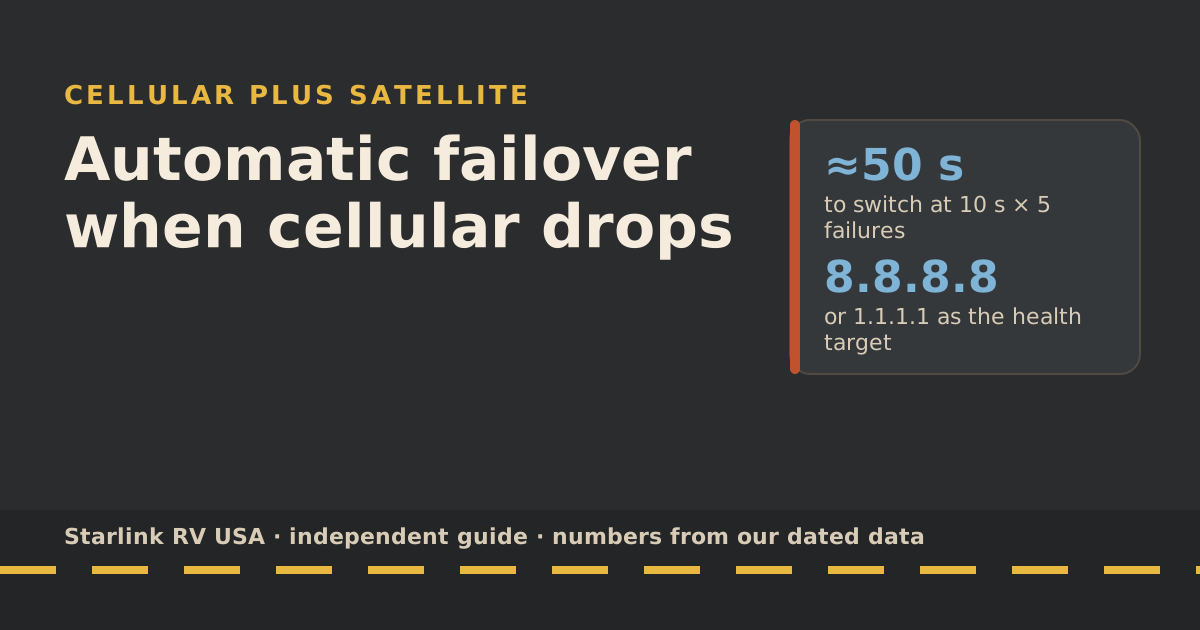
Automatic failover means your router uses one internet connection as primary, keeps testing it, and switches to the backup on its own when the tests fail. For an RV, that’s usually cellular primary and Starlink backup, or the reverse. Starlink’s recommended health check for third-party routers is to ping a public IP such as 8.8.8.8 or 1.1.1.1 every 10 seconds and mark the link down after 5 failures in a row, which means the router decides in about 50 seconds. Then test it at home before you rely on it.
This guide assumes you already have a dual-WAN router wired with both links. If not, start with cellular first, satellite second or the travel routers page.
Failover rules in plain words
| Setting | What it means | Sensible starting point |
|---|---|---|
| Priority | Which link is primary, which is backup | Cheaper or uncapped link first |
| Health check target | What the router pings to see if a link works | A public IP like 8.8.8.8 or 1.1.1.1 (Starlink’s suggestion) |
| Check interval | How often it pings | 10 seconds (Starlink’s suggestion) |
| Failure threshold | Failed checks in a row before “down” | 5 (Starlink’s suggestion) |
| Recovery threshold | Good checks in a row before “up” again | Router default; raise it if links flap |
| Fail-back | Return to primary when it recovers, or stay put | On, with a delay |
| Mode | Failover vs load balancing | Failover, if either link has a cap |
Why ping a public IP
A link can look “connected” (it has an address, the modem light is on) while nothing actually reaches the internet. Pinging a reliable address out on the internet tests the whole path. Starlink’s guide adds one warning: Starlink’s own DNS servers don’t respond to ping, so a check pointed at them fails even when the link is fine.
Many routers let you set two targets so one unreachable server doesn’t trigger a false failover. If yours does, use both 8.8.8.8 and 1.1.1.1.
Switch time
With Starlink’s recommended settings, the math is simple: 5 failures × 10 seconds ≈ 50 seconds before the router calls the primary down, then a few seconds to move traffic.
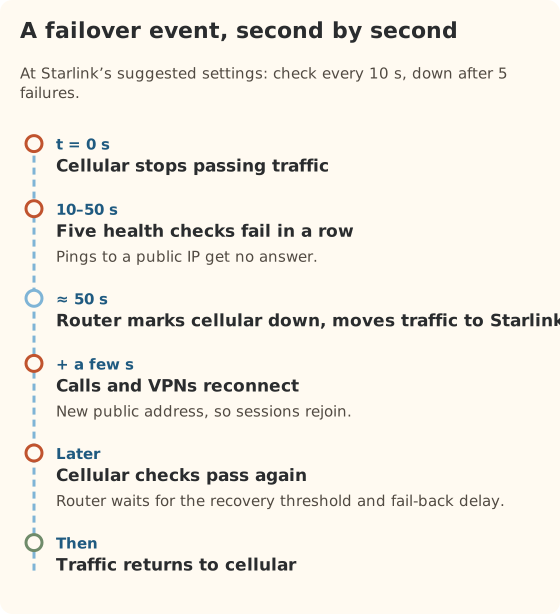
Should you make it faster? Trade-offs:
| Faster settings (e.g., 5 s, 3 failures) | Slower settings (e.g., 10 s, 5 failures) |
|---|---|
| Switches in about 15 seconds | Switches in about 50 seconds |
| More false switches on a shaky signal | Rides out brief blips without switching |
| More reconnects for calls | Fewer reconnects |
| Good when the primary fails hard (tower out of range) | Good when the primary stutters (weak cell, trees) |
Starlink itself reroutes around brief obstructions very quickly; its help center says mobile dishes switch satellites within tens to hundreds of milliseconds. You don’t want your router reacting to blips the dish already handles. That argues for Starlink’s slower suggestion when satellite is primary.
What the switch feels like
- Web pages, email, streaming: a pause, then they carry on. Streams usually buffer through it.
- Video calls: usually drop and rejoin. A switch changes your public address, so the call app has to reconnect.
- VPNs: reconnect, often automatically.
- Downloads: some resume, some restart.
Starlink also notes that its connection uses a carrier-grade NAT address by default, so a few apps that need incoming connections may behave differently on satellite than on cellular. If something works on one link and not the other, that’s a likely reason.
Fail-back without flapping
Flapping is when the router bounces between links every minute because the primary keeps half-recovering. On a weak cell signal at the edge of coverage, it’s common. Three fixes:
- Raise the recovery threshold. Require several good checks in a row before calling the primary “up”.
- Add a fail-back delay. Wait a few minutes after recovery before switching back.
- Turn fail-back off temporarily on a known-bad stretch and switch back by hand.
Testing it
Do this at home or in the driveway with both links working:
- Note your public address on a “what is my IP” site.
- Unplug the primary (or turn off the cellular modem).
- Time it. You should see the router mark the primary down after about 50 seconds at the suggested settings, and the IP site should show a different address.
- Make a test call on the backup to check quality.
- Plug the primary back in and watch it return after the recovery threshold and delay.
- Repeat with the backup unplugged to make sure the router doesn’t switch when it shouldn’t.
Which link should be primary: four cases
| Your plans | Primary | Backup | Why |
|---|---|---|---|
| Roam 100GB or 300GB + roomy cellular plan | Cellular | Starlink | Saves capped Roam data |
| Roam Unlimited + small cellular plan | Starlink | Cellular | Saves the small cellular allowance |
| Both capped | Whichever is cheaper per GB where you are | The other | Spend the cheap data first |
| Work calls, both roomy | The steadier link at this stop | The other | Fewer switches during calls |
Many routers let you change priority without rewiring. At a tree-covered site with great LTE, put cellular first; at an open desert camp with weak LTE, put Starlink first.
Health checks on the cellular side
The same idea applies to the cellular link: ping a public IP, not the carrier’s own gateway, so the check tests the whole path to the internet. A cellular modem can hold a “connected” signal while data doesn’t move, especially at the edge of coverage. A public-IP check catches that; a signal-bars check doesn’t.
If your router supports it, keep the backup link’s health checks running too. Otherwise the router may fail over to a backup that has itself quietly stopped working.
Common mistakes
- Pinging Starlink’s DNS servers as the health target. They don’t answer pings.
- Load balancing two capped plans when you meant failover. Both allowances drain.
- No fail-back delay on a weak cell signal, causing constant flapping.
- Two Wi-Fi networks. If both the Starlink router and the travel router broadcast, devices may hop between them. Starlink says bypass mode turns off its router’s Wi-Fi; on Router 3 and Router Mini, leaving bypass mode needs a factory reset.
- Never testing it. The first real failover shouldn’t be during a client call.
What we don’t know
- Your router’s exact menus. Every brand names these settings differently. We haven’t tested routers, so we don’t walk through a specific model.
- How quickly your call app reconnects. It varies by app and version.
What to do next
If you haven’t chosen which link should be primary, read cellular first, satellite second. If the satellite side drops on drive days, dropouts on the highway explains why. To size the data plans on both sides, use the travel plan picker.
Questions people ask
What is internet failover in an RV?
A router with two internet connections, usually cellular and Starlink, that uses one as primary and switches to the other automatically when the primary stops working. It switches back when the primary recovers.
What health check settings should I use with Starlink?
Starlink recommends pinging a public IP such as 8.8.8.8 or 1.1.1.1, checking every 10 seconds, and marking the connection down after 5 consecutive failures. It notes Starlink’s DNS servers don’t respond to ping, so don’t use them as the target.
How long does failover take?
With Starlink’s suggested settings, about 50 seconds to decide the primary is down (5 checks, 10 seconds apart), plus a few seconds to move traffic. Shorter intervals or fewer failures switch faster but risk flapping.
Will a video call survive failover?
Usually not without a reconnect. The new connection has a different public address, so the call app has to rejoin. Many apps do that on their own within seconds.
Should Starlink be primary or backup?
Make the cheaper or uncapped link primary. On Roam 100GB or 300GB, cellular first saves Roam data. On Roam Unlimited with a small cellular plan, put Starlink first.
Can I use Standby Mode as the failover link?
Only for very light use. Starlink says Standby keeps low-speed data up to 500 kbps, and it isn’t intended for in-motion use. A health check will pass on it, but a video call won’t work well.
Sources
- Can I use my own router with Starlink? (Starlink help center), retrieved Oct 6, 2026
- What is bypass mode? (Starlink help center), retrieved Oct 6, 2026
- How to install Starlink on boats (Starlink help center), retrieved Oct 6, 2026
- Obstructions Explained (Starlink help center), retrieved Oct 6, 2026
- Slow Speeds: Troubleshooting (Starlink help center), retrieved Oct 6, 2026
- How does pausing service work? (Starlink help center), retrieved Oct 5, 2026
Prices and plan rules on this page are filled in from our dated data files when the site is built; hover a number to see when we checked it.
Research and spec-based analysis. We haven’t used Starlink in an RV, van or boat; this post is built from Starlink’s own documents, carrier pages and dated reports, cited above. Links to Starlink’s plan pages here use the site owner’s own referral link: the owner may get a referral reward if you order, and your price is the same. There are no affiliate links. Starlink and Roam are trademarks of Space Exploration Technologies Corp. Starlink RV USA is not affiliated with, endorsed by, or sponsored by SpaceX or Starlink. Spotted an error? Tell us.